
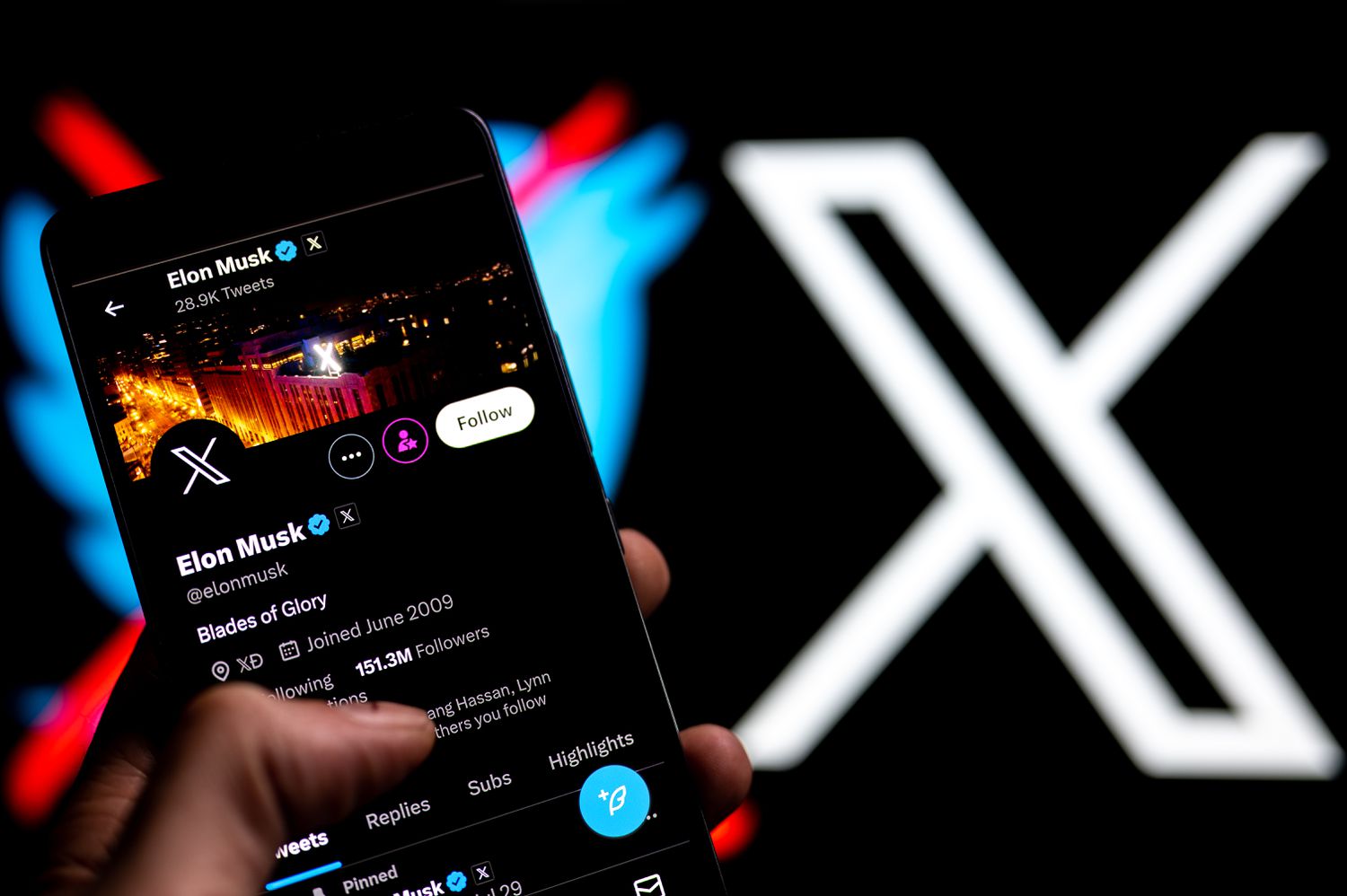
Your Twitter handle — officially called your @username on X — is your public identity on one of the most AI-indexed social platforms in the world. Changing it takes less than two minutes, does not cost anything, and does not reset your followers, replies, or bookmarks. In the AI era, where ChatGPT, Perplexity, and Grok pull social signals to surface profiles, picking the right handle is part of how your personal brand gets discovered.
You can change your @handle (the unique URL identifier) and your display name (the label shown above your handle) independently and as often as you want. The steps are nearly identical on desktop and mobile. You just need to be logged in, know your password, and pick a handle that is available and under 15 characters.
How to Change Your Twitter Handle (Username) in 2026
- Step 1: Click the More button in the navigation bar on x.com.
- Step 2: Click Settings and privacy.
- Step 3: Click Your account.
- Step 4: Click Account information.
- Step 5: Enter your Twitter account password when prompted to confirm it is you.
- Step 6: Under Account information, edit the name shown in the Username field. If your new username is already taken, you will be asked to choose another.
- Step 7: Click the Save button.
How to Change Your Twitter Display Name in 2026
- Step 1: Go to your profile on x.com or the mobile app.
- Step 2: Click Edit profile directly below your header image.
- Step 3: Replace the text in the Name field. You can use up to 50 characters, including spaces, emojis, and non-Latin characters.
- Step 4: Click Save. Your display name updates instantly across every tweet, reply, and notification.
- Step 5: Refresh the page to confirm the change. Unlike the @handle, there is no uniqueness requirement, so any name is accepted.
FAQ: Twitter Handle and Display Name
No. Your followers, replies, DMs, likes, and bookmarks all stay intact. X updates the username across your profile and any @mentions of you are automatically rewritten.
Yes. The moment you save a new @username, the old one becomes available. If you plan to change back, register a placeholder account on the old handle first or do not change it at all.
Your handle (@username) is the unique identifier in your profile URL. Your display name is the public label shown above your handle and can contain spaces and emojis. Handles must be unique — display names do not.
Between 4 and 15 characters. Letters, numbers, and underscores only — no spaces, hyphens, or special characters. It also cannot contain the words “twitter” or “admin”.
No. If you have an active X Premium subscription, verification stays attached through a handle change. X may briefly re-review the account, and the badge can disappear for a few hours before returning.
Why Change Your Twitter Handle
- Tighten your personal brand — a short, memorable @handle is easier to cite in bios, podcast intros, and email signatures than a long legacy name full of numbers.
- Match your other platforms — aligning your X handle with your Instagram, GitHub, LinkedIn, and domain name makes you findable across every surface AI search tools crawl.
- Shed an outdated identity — if you started your account as a student or under an old company, a cleaner handle signals your current role to investors and journalists.
- Reclaim a handle you lost — X periodically releases inactive handles. Checking availability of a shorter, cleaner @name is worth trying before you settle.
- Fix a typo or forced variant — if you originally registered
@yourname_or@yourname01because your ideal handle was taken, it may have been freed since. - Protect your brand after a pivot — founders who rebrand their company or shift industry often change handles to match, preventing confusion in replies and mentions.
How to Choose a Good Twitter Handle
- Keep it under 12 characters if possible — shorter is easier to type, fit inside quote tweets, and remember.
- Avoid numbers and underscores — they make the handle look like a spam or bot account in AI-scraped search results.
- Use your real name or company name when available — it boosts credibility and makes you show up in direct search.
- Check availability on other platforms first — tools like Namechk show if the same handle is free on Instagram, GitHub, TikTok, and domain registrars.
- Stay consistent with your display name — your display name should make the connection obvious (e.g., @satyanadella → “Satya Nadella”).
- Avoid trending references or jokes — a handle tied to a 2026 meme will feel dated by 2027 and is painful to change again.
What to Do After You Change Your Twitter Handle
- Pin a tweet announcing the change — screenshot the old and new handle so anyone searching the old name understands where you went.
- Update your link-in-bio tool — Linktree, Beacons, and personal sites all need the new URL.
- Refresh your email signature, newsletter footer, and podcast show notes — any hard-coded @mention breaks because X does not auto-forward old handles.
- Notify your top collaborators directly — a quick DM prevents confusion during interviews, guest posts, or partnership conversations.
- Update your GitHub profile, personal website, and business cards — AI tools that scrape profile pages take days to pick up the new handle.
- Monitor Google results — search your old handle weekly for 30 days and request updates anywhere your profile is hard-coded.